

Geofence unlock
Route & time windows
Dual-control & 2FA
Event log & audit
Geofence-enabled key
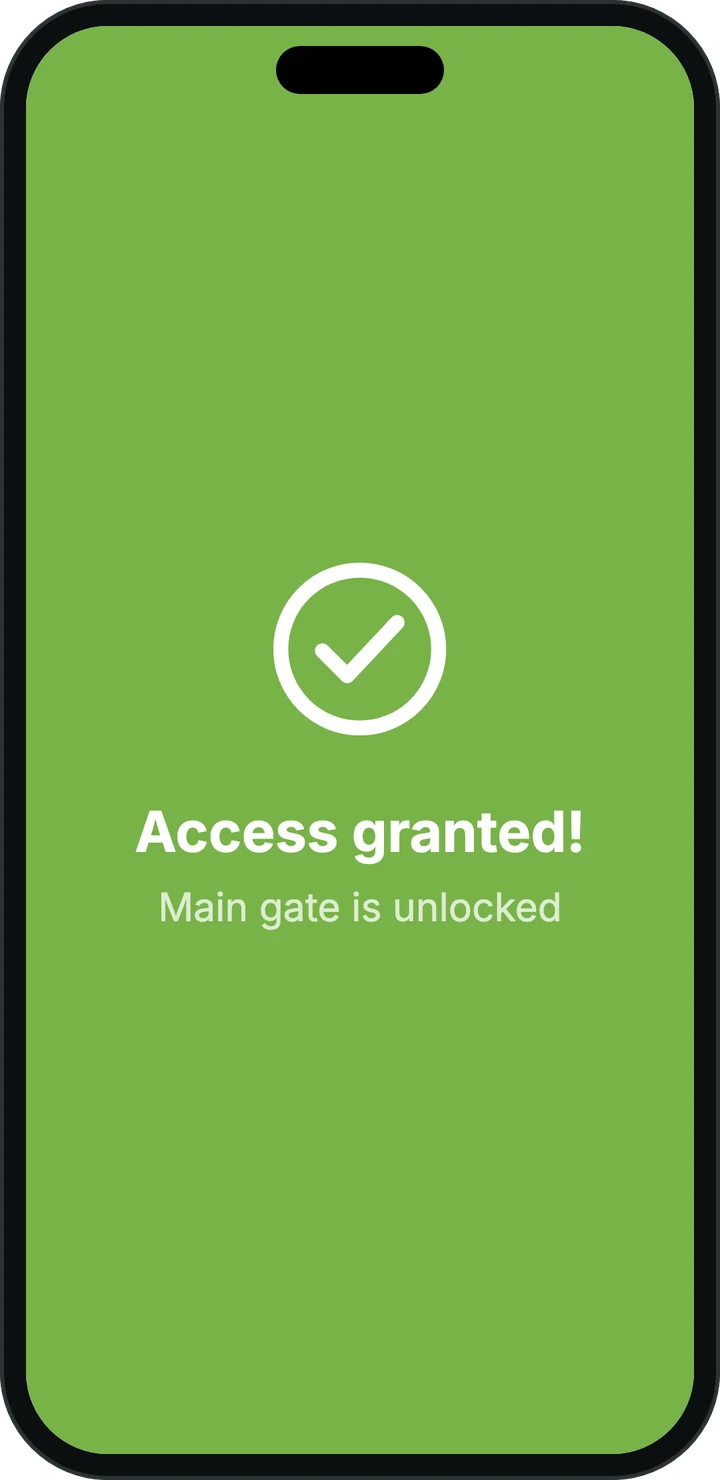
The key in the SnapKey app can only be used when the driver arrives within the defined area.
Route & time windows
Restrict access to specific times and route stages — it expires automatically after delivery.
Dual-control & 2FA
Require two approvers at critical stops or an extra step-up (2FA) before unlocking.
Traceability & audit
All assignments and openings are logged with time, user and location — ready for customer requirements and audits.
How SnapKey works in operations
Plan
Dispatcher creates a stop with doors, time window and geofence (optionally dual-control/2FA).
Issue key
The driver receives a key in the SnapKey app — tied to the route.
Arrive & unlock
On arrival within the geofence and time window, the door can be unlocked.
Report
Openings are recorded. Export logs/reports to the customer’s system or for audit.
Typical scenarios
 Illustration
Last-mile delivery
Access to parcel rooms/lockers only at the correct address and time.
 Illustration
Gate & yard access
Open the gate upon arrival — with control-room approval when needed.
 Illustration
Night deliveries
Time windows and quiet access to warehouses/common areas without permanent keys.
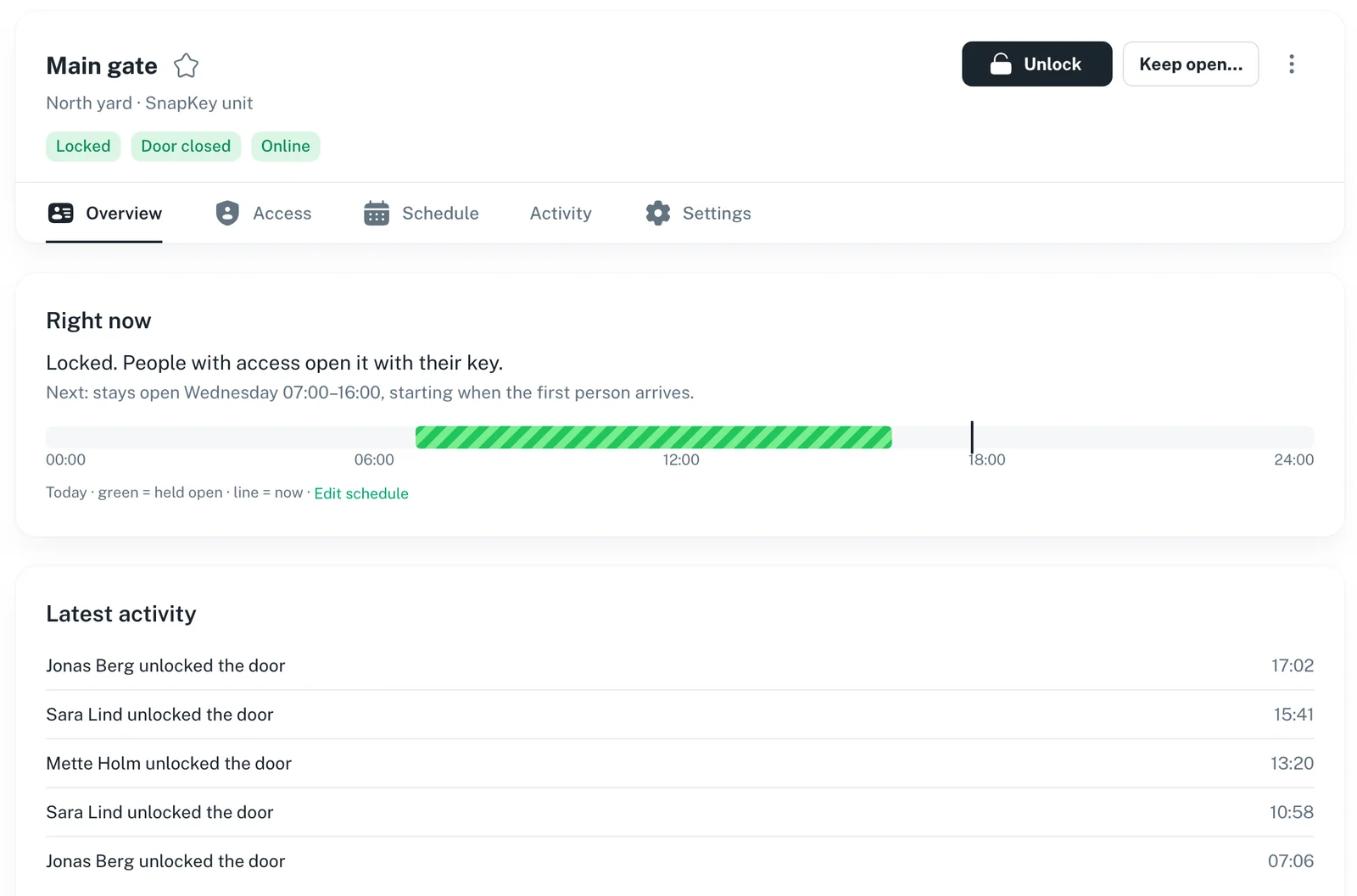
Policies you can trust
Combine geofence, time windows, roles and 2FA/dual-control. Configure once — reuse across sites.
Templates for geofence + time windows
Roles per fleet/contractor
Dual-control/2FA for critical stops
Standardized approval flows
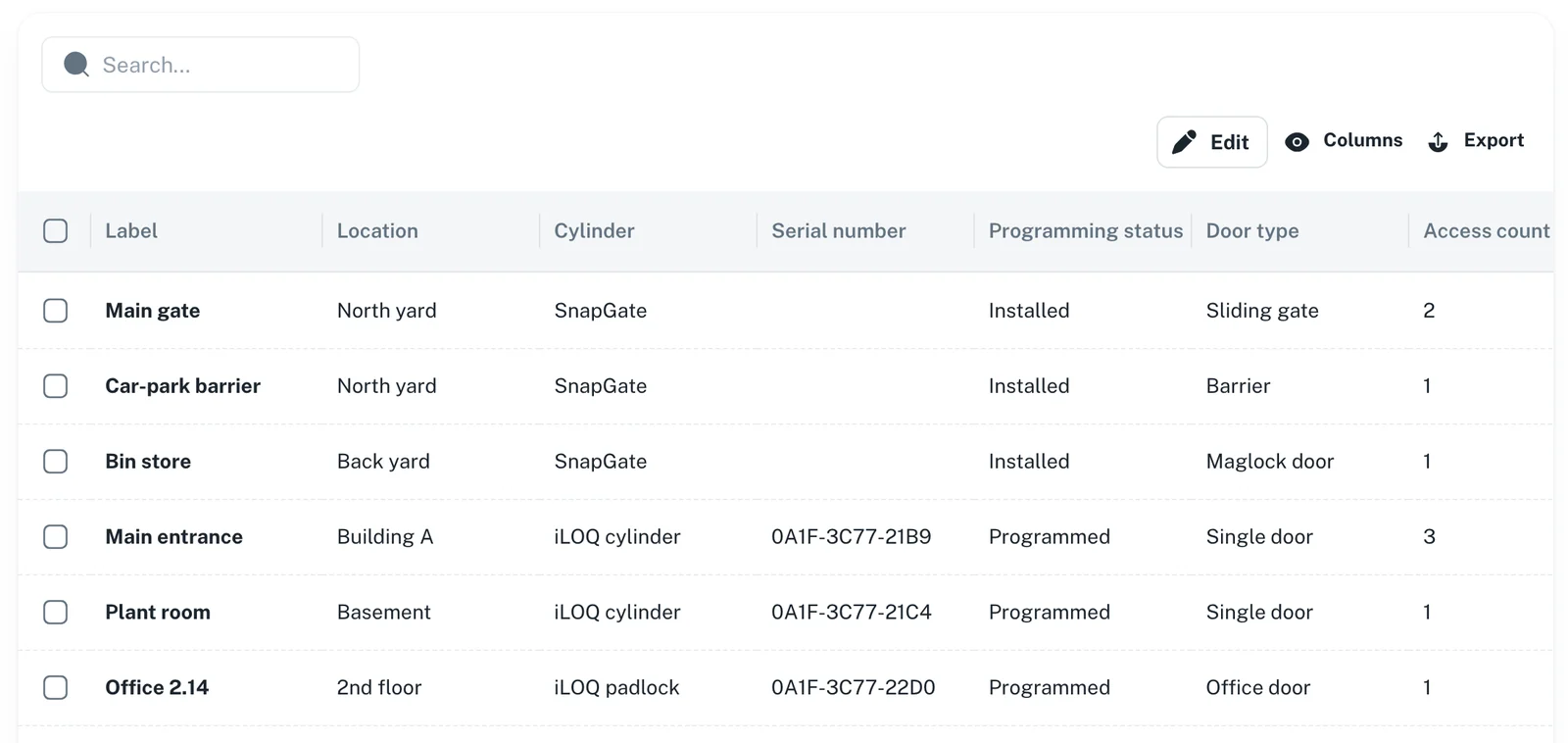
Real-time overview
Track access attempts, route arrivals and approvals live. Export event logs for customer requirements and audits.
Live overview of stops and openings
Quick block/revoke of keys
Automatic expiry & rotation
Export/API to TMS/WMS/SIEM
Frequently asked questions
Yes. Keys are issued and used in the SnapKey app. The app guides through geofence, time windows and any approvals.
The app handles uncertainty with tolerances and can combine network-based location. Policies can require manual approval as fallback.
SnapKey only records location in connection with access validation and the event log. Data is used for security and documentation in line with applicable rules.
Yes. Use REST/webhooks to issue keys, sync routes and receive events in real time.

Secure deliveries. Fewer stops.
See how SnapKey cuts waiting time, reduces key chaos and documents every access — without showing prices online.
Contact us